Remove a Watermark or Overlay from a Screenshot
Screenshots you capture for docs, decks and tutorials sometimes pick up a stray badge, app overlay or watermark you'd rather not show. removr reconstructs the covered UI region so the capture looks clean and intentional. Use it on screenshots of your own content or material you're allowed to edit.
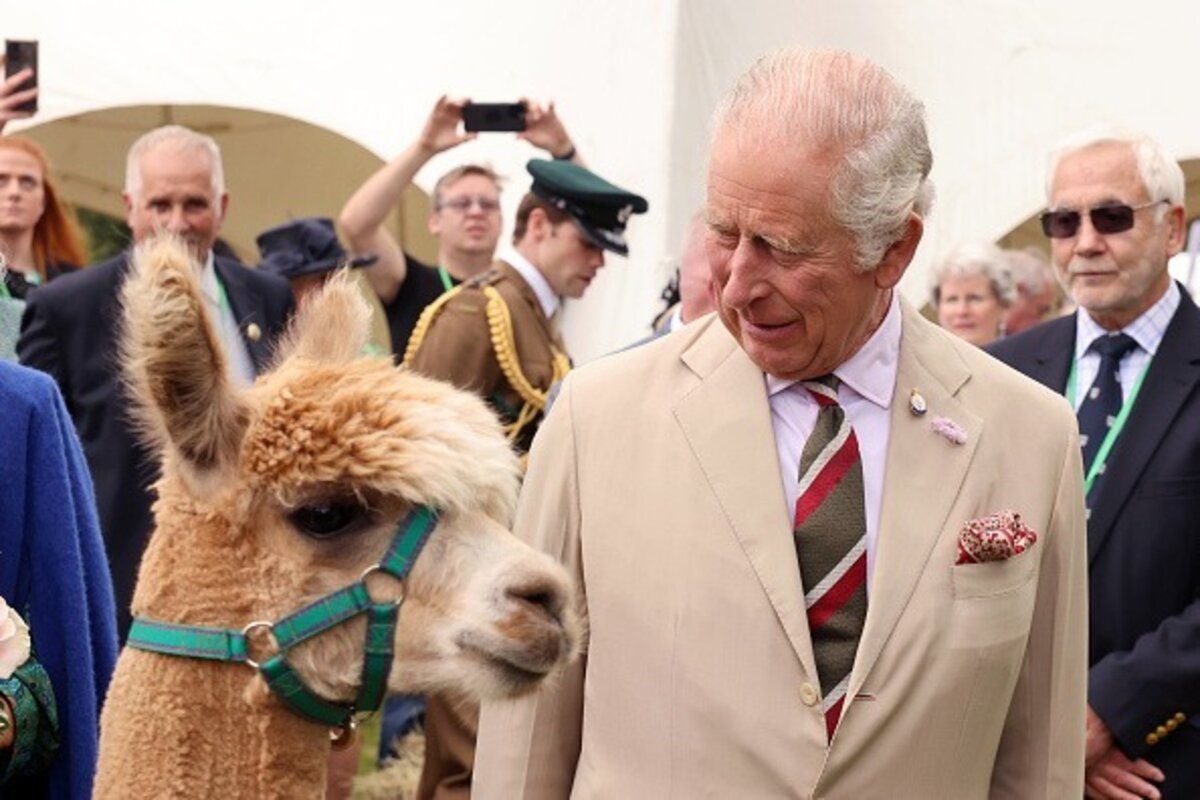 BeforeAfter
Built for Screenshot
Cleans badges and overlays off UI captures and app screens.
Rebuilds flat UI panels and text areas convincingly.
Keeps the screenshot crisp at its native resolution.
Clean images in three steps
Drag & drop a single image or a whole batch — JPG, PNG or WEBP, up to 50 at once.
Our model reconstructs the covered pixels in seconds — no blur, no smudge.
Grab your clean image in full quality, ready for your layout or edit.
Screenshot watermark removal — FAQ
Does it handle flat UI areas in a screenshot well?
Yes — solid panels, toolbars and flat backgrounds are some of the easiest regions for the AI to reconstruct cleanly.
Can it remove a small overlay sitting over readable text?
Small overlays over text reconstruct well when surrounding text is intact; very large blocks over critical text are harder since there's nothing to infer from.
Is this for screenshots, not screen recordings?
Right — removr is image-only. It cleans a captured still image, not a video recording.
Will it blur or smudge the rest of the image?
No. The AI is trained to reconstruct only the area under the mark and leave the rest of the photo untouched — no global blur.
Do I pay for images that fail?
No. 1 credit equals 1 image, and if a removal doesn't come out clean the credit is automatically refunded.
Is there a free option?
Yes — every new account gets 5 free credits on signup, no card required, so you can try it on your own images first.