Remove a Watermark from a PNG Without Wrecking Transparency
PNGs often carry a logo overlay or a semi-transparent stamp sitting on top of artwork, and naive editors flatten or wreck the alpha channel. removr clears the overlay and reconstructs the pixels while leaving genuine transparency where it belongs. Use it on PNGs you own or are licensed to edit.
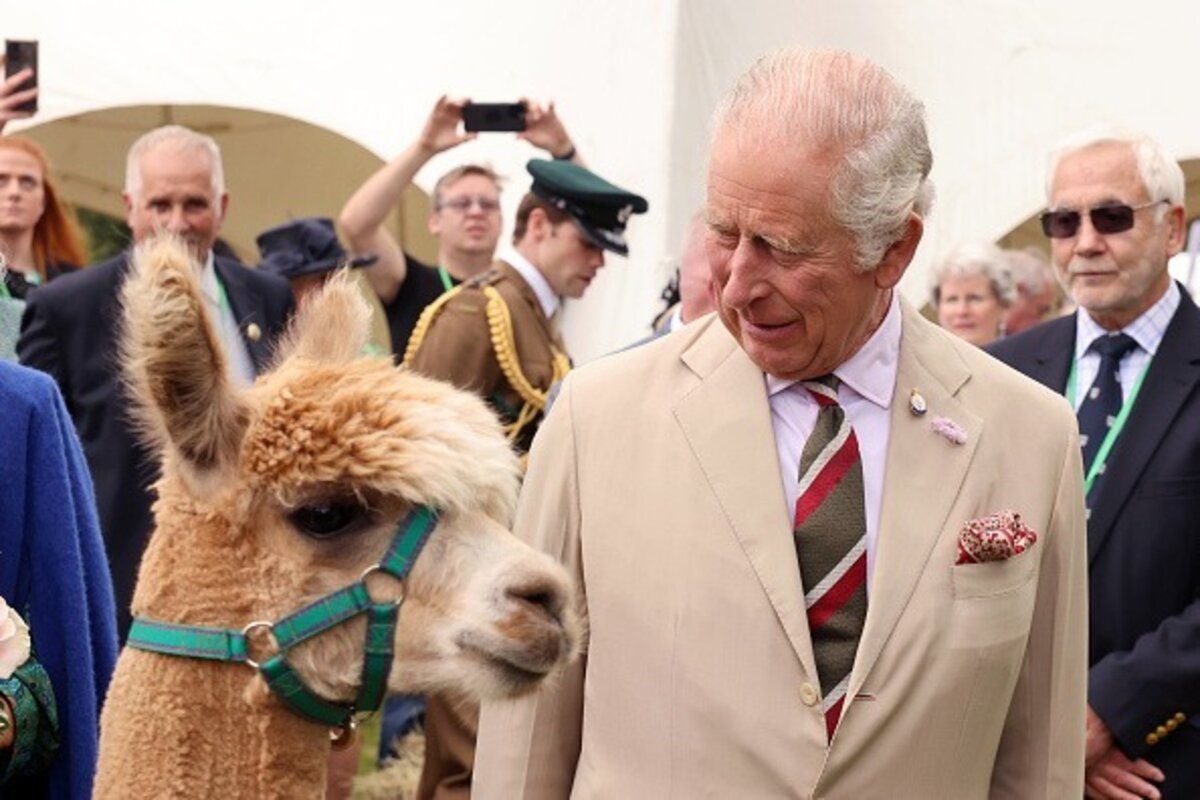 BeforeAfter
Built for PNG
Preserves real transparency instead of filling the alpha with white.
Targets overlay logos and stamps placed on top of the artwork.
Rebuilds detail under the mark at full PNG resolution.
Clean images in three steps
Drag & drop a single image or a whole batch — JPG, PNG or WEBP, up to 50 at once.
Our model reconstructs the covered pixels in seconds — no blur, no smudge.
Grab your clean image in full quality, ready for your layout or edit.
PNG watermark removal — FAQ
Will my PNG keep its transparent background?
Yes. removr distinguishes the watermark overlay from the genuine alpha channel, so transparent areas stay transparent.
Does it handle a logo placed as a separate layer baked into the PNG?
Once the logo is flattened into the PNG it's just pixels, and the AI reconstructs the area underneath it.
Is the export still a PNG?
Yes — you get a PNG back with the cleared region rebuilt and transparency intact.
Will it blur or smudge the rest of the image?
No. The AI is trained to reconstruct only the area under the mark and leave the rest of the photo untouched — no global blur.
Do I pay for images that fail?
No. 1 credit equals 1 image, and if a removal doesn't come out clean the credit is automatically refunded.
Is there a free option?
Yes — every new account gets 5 free credits on signup, no card required, so you can try it on your own images first.