Remove Unwanted Text or Captions from an Image
Captions, overlaid quotes, a burned-in URL or a text watermark — removr clears unwanted text from an image and reconstructs the surface underneath it. The AI fills the gap from surrounding pixels instead of leaving a blur or solid block. Use it on images you own or are licensed to edit.
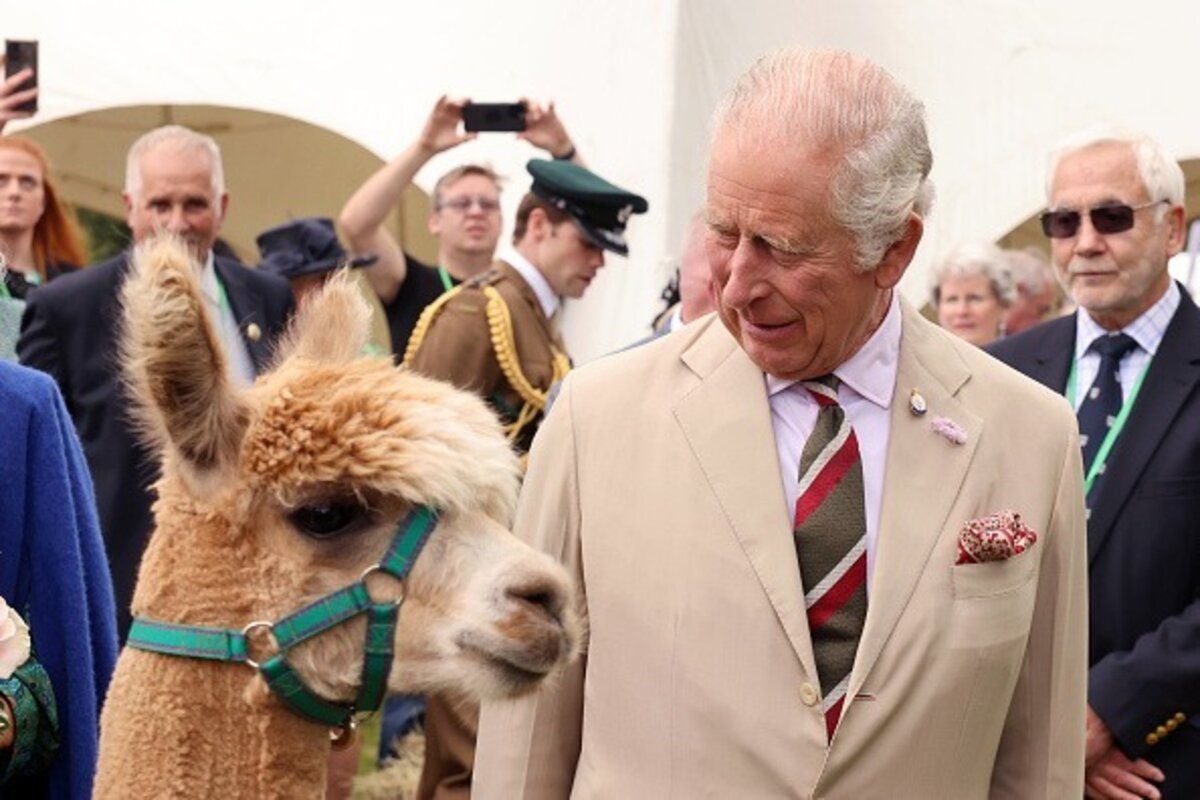 BeforeAfter
Built for Text
Clears overlaid captions, URLs and text watermarks.
Rebuilds the area behind the text, not a flat fill.
Works on single lines and multi-line text blocks.
Clean images in three steps
Drag & drop a single image or a whole batch — JPG, PNG or WEBP, up to 50 at once.
Our model reconstructs the covered pixels in seconds — no blur, no smudge.
Grab your clean image in full quality, ready for your layout or edit.
Text watermark removal — FAQ
Does it work better on text over a plain or busy background?
Plain or smoothly varying backgrounds rebuild almost invisibly. Busy backgrounds still work but the result depends on how much surrounding detail there is to infer from.
Can it remove a long URL burned across the bottom?
Yes. A horizontal text strip is a common case and reconstructs cleanly when the area around it is intact.
Will it remove text I actually want to keep?
Only the area you target gets reconstructed, so intended text elsewhere in the image stays put.
Will it blur or smudge the rest of the image?
No. The AI is trained to reconstruct only the area under the mark and leave the rest of the photo untouched — no global blur.
Do I pay for images that fail?
No. 1 credit equals 1 image, and if a removal doesn't come out clean the credit is automatically refunded.
Is there a free option?
Yes — every new account gets 5 free credits on signup, no card required, so you can try it on your own images first.