Remove a Watermark from Any Photo You Own
Sometimes the watermark is your own — an old logo, a studio stamp, or a mark on a licensed image you're allowed to edit. removr reconstructs the area the watermark covered rather than blurring or boxing it out, so the photo stays usable at full resolution. Upload a JPG, PNG or WEBP and the AI handles the rest.
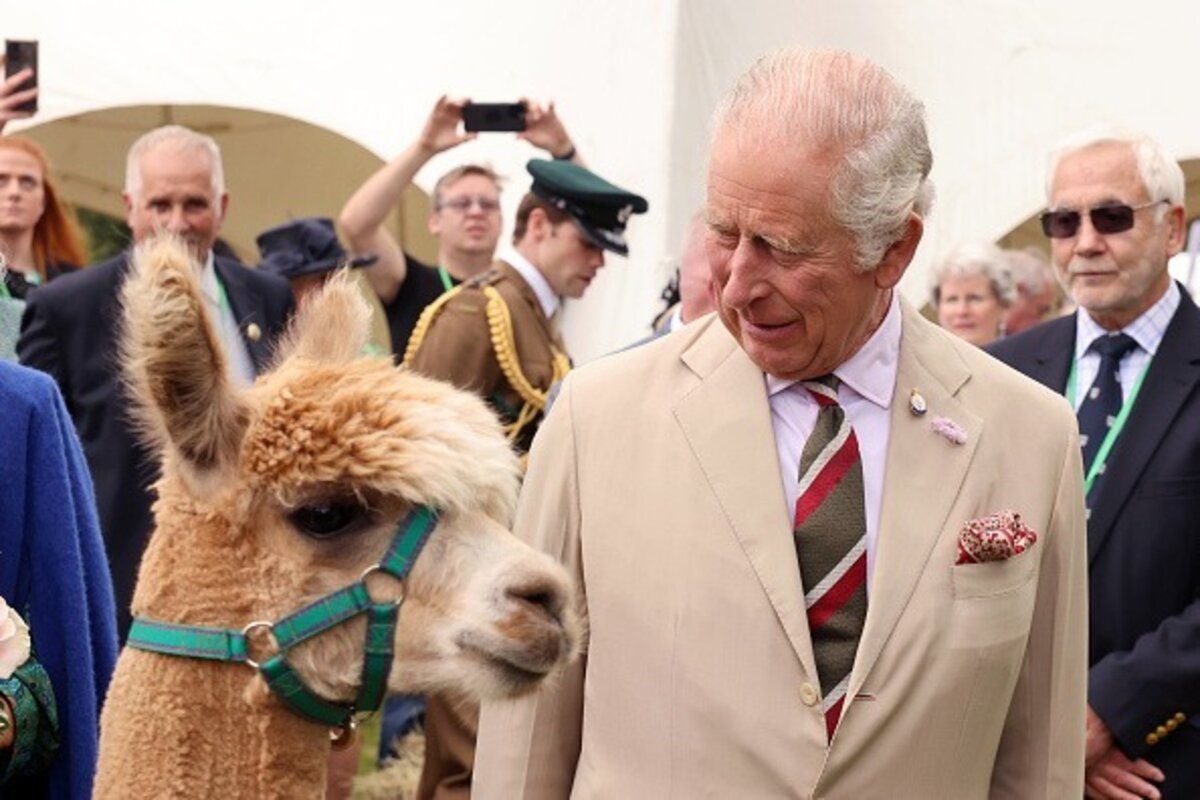 BeforeAfter
Built for Photo
Reconstructs the photo behind the mark — no blur box, no gray patch.
Handles corner stamps and full-frame overlays alike.
Keeps original resolution; nothing gets downscaled.
Clean images in three steps
Drag & drop a single image or a whole batch — JPG, PNG or WEBP, up to 50 at once.
Our model reconstructs the covered pixels in seconds — no blur, no smudge.
Grab your clean image in full quality, ready for your layout or edit.
Photo watermark removal — FAQ
Will the photo look natural where the watermark was?
Yes. The AI rebuilds the covered area from surrounding detail instead of smudging it, so there's no obvious patch.
Whose photos can I use this on?
Your own photos, or images you're licensed to edit. removr is built for legitimate edits, not for removing other people's marks from work you don't own.
Does it work on photos, not video?
removr is image-only — JPG, PNG and WEBP. It doesn't process video files.
Will it blur or smudge the rest of the image?
No. The AI is trained to reconstruct only the area under the mark and leave the rest of the photo untouched — no global blur.
Do I pay for images that fail?
No. 1 credit equals 1 image, and if a removal doesn't come out clean the credit is automatically refunded.
Is there a free option?
Yes — every new account gets 5 free credits on signup, no card required, so you can try it on your own images first.