Remove a Logo Overlay from an Image You Own
An old brand logo, a watermark logo, or a corner bug that no longer fits — removr lifts a logo overlay off an image and reconstructs what was behind it. Because it's AI inpainting and not a blur tool, the result reads as if the logo was never there. Use it on your own images or ones you're licensed to edit.
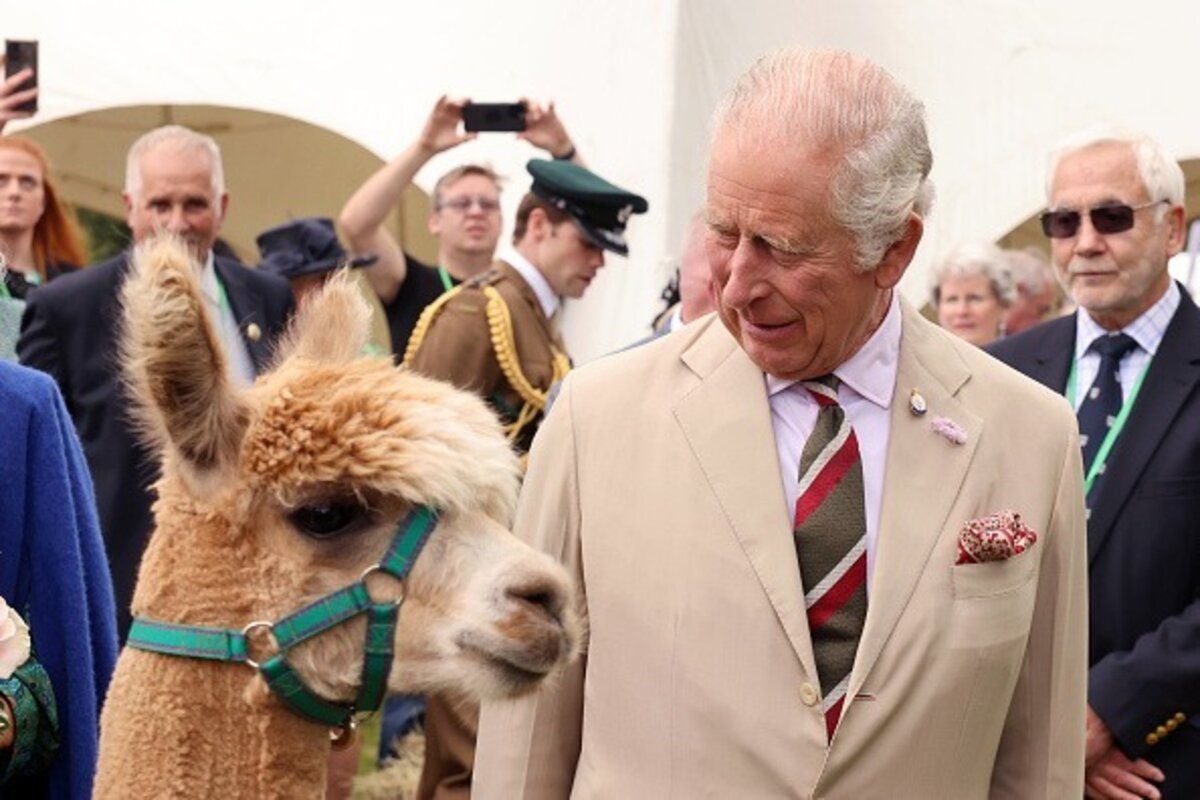 BeforeAfter
Built for Logo
Removes corner bugs, centered logos and tiled-logo overlays.
Reconstructs background and texture behind the logo, no blur.
Handles solid, transparent and semi-opaque logo marks.
Clean images in three steps
Drag & drop a single image or a whole batch — JPG, PNG or WEBP, up to 50 at once.
Our model reconstructs the covered pixels in seconds — no blur, no smudge.
Grab your clean image in full quality, ready for your layout or edit.
Logo watermark removal — FAQ
Can it remove a semi-transparent logo watermark?
Yes. Whether the logo is solid or semi-transparent, it alters the pixels beneath it, and removr reconstructs that region.
What if the logo sits over a detailed background?
The AI infers from surrounding detail, so a logo over texture or pattern usually rebuilds cleanly. Very large logos over unique subjects are the hardest case.
Whose logos is it okay to remove?
Logos on images you own or are licensed to edit — for example your own outdated branding. It's not for stripping another owner's mark from their work.
Will it blur or smudge the rest of the image?
No. The AI is trained to reconstruct only the area under the mark and leave the rest of the photo untouched — no global blur.
Do I pay for images that fail?
No. 1 credit equals 1 image, and if a removal doesn't come out clean the credit is automatically refunded.
Is there a free option?
Yes — every new account gets 5 free credits on signup, no card required, so you can try it on your own images first.