Remove a Burned-In Date Stamp from Your Photo
Old cameras and phones love to burn an orange or yellow date into the bottom corner of a shot, and it's baked right into the pixels. removr clears that date stamp and reconstructs the corner so the photo looks the way it should have. It's for your own photos or images you're licensed to edit.
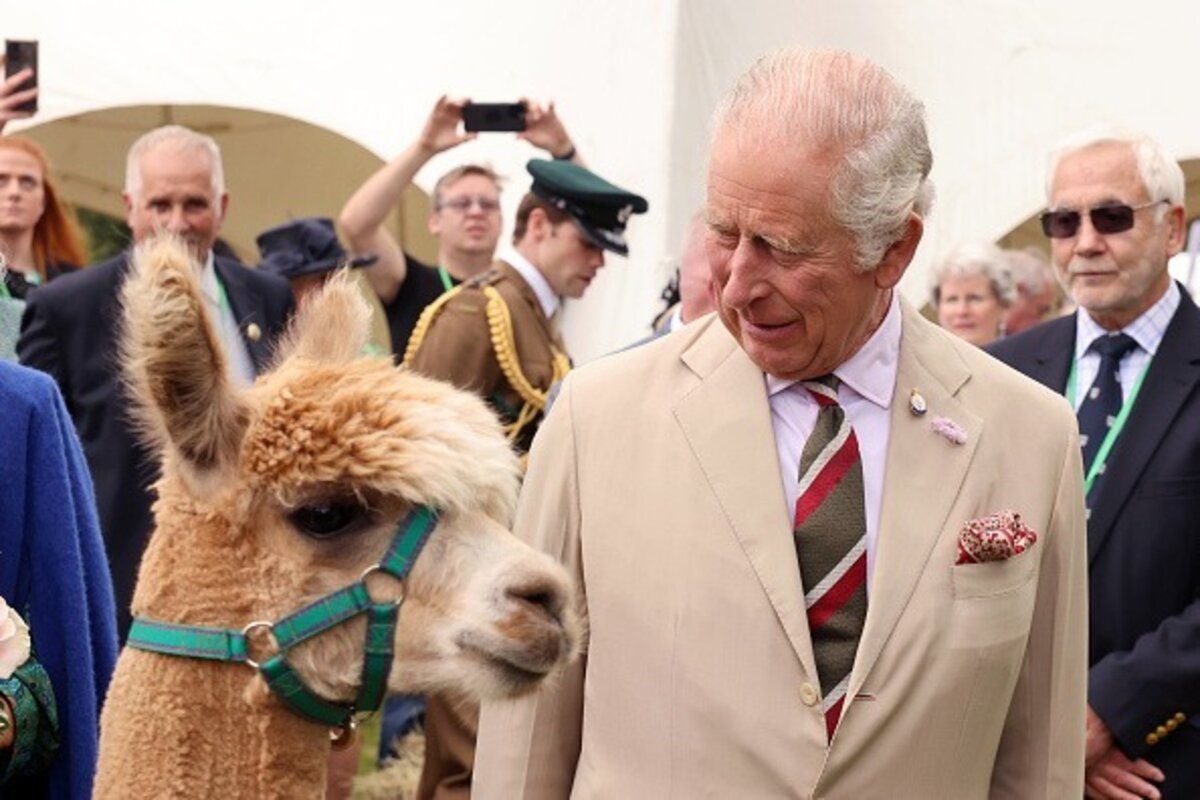 BeforeAfter
Built for Date Stamp
Clears the classic orange/yellow corner date burned by cameras.
Reconstructs the corner area, even over sky, grass or skin.
Fixes a stack of old family photos in one batch.
Clean images in three steps
Drag & drop a single image or a whole batch — JPG, PNG or WEBP, up to 50 at once.
Our model reconstructs the covered pixels in seconds — no blur, no smudge.
Grab your clean image in full quality, ready for your layout or edit.
Date Stamp watermark removal — FAQ
Does it handle the orange seven-segment camera date specifically?
Yes. That burned-in corner date is one of the most common requests, and removr reconstructs the area it covered.
What if the date sits over an important part of the photo?
Date stamps usually land in a corner over background, which rebuilds well. If it overlaps a face or key subject, the AI infers from nearby detail as best it can.
Can I batch-clean a whole roll of old photos?
Yes — upload the set and clear the date stamp from each in one pass.
Will it blur or smudge the rest of the image?
No. The AI is trained to reconstruct only the area under the mark and leave the rest of the photo untouched — no global blur.
Do I pay for images that fail?
No. 1 credit equals 1 image, and if a removal doesn't come out clean the credit is automatically refunded.
Is there a free option?
Yes — every new account gets 5 free credits on signup, no card required, so you can try it on your own images first.