Remove a Watermark from a JPG Without Artifacts
JPGs are everywhere — exports, downloads, scans — and the watermark is usually baked into lossy pixels. removr reconstructs the marked region without piling on extra compression artifacts, so the cleaned JPG holds together. It's for JPGs you own or have a license to edit.
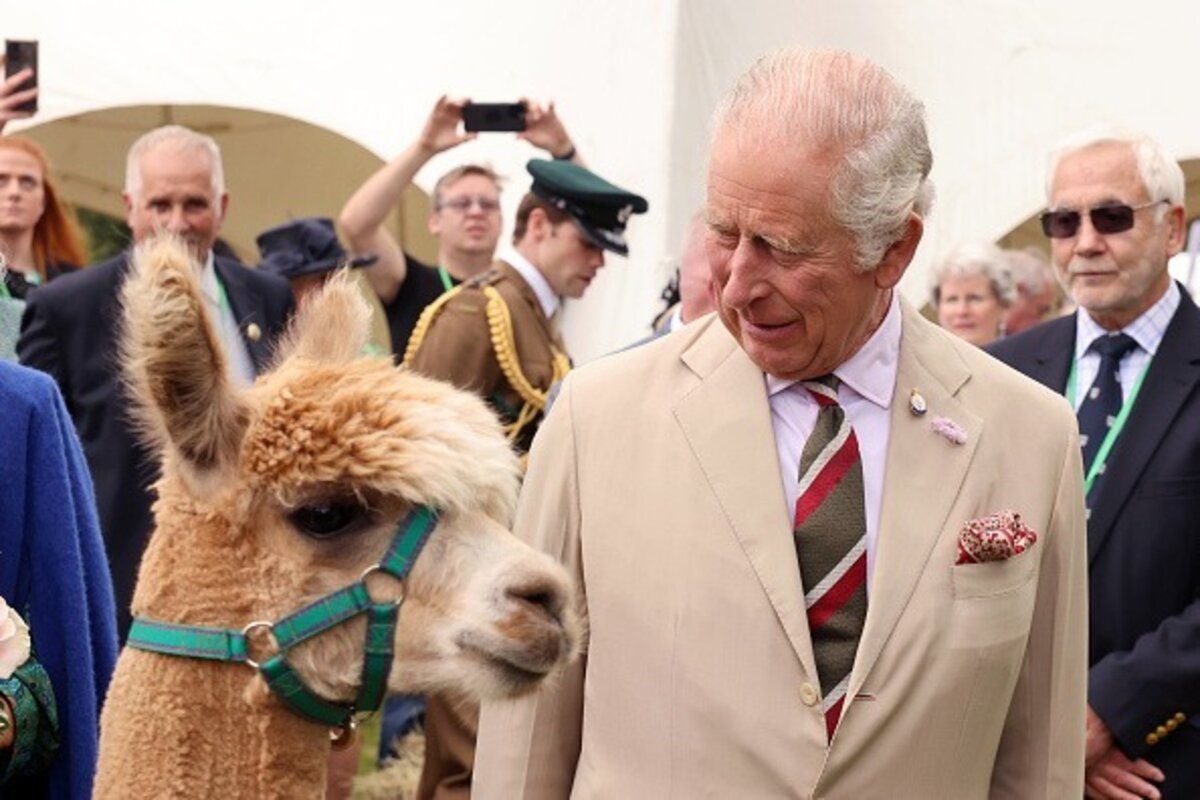 BeforeAfter
Built for JPG
Rebuilds the marked area without smearing nearby JPG detail.
Avoids stacking new compression artifacts on the fix.
Works on corner marks, edge bars and centered overlays.
Clean images in three steps
Drag & drop a single image or a whole batch — JPG, PNG or WEBP, up to 50 at once.
Our model reconstructs the covered pixels in seconds — no blur, no smudge.
Grab your clean image in full quality, ready for your layout or edit.
JPG watermark removal — FAQ
Won't editing a JPG make the compression worse?
removr only reconstructs the watermarked region and blends it in, so the rest of the JPG isn't re-degraded any more than a normal save.
Can it handle a watermark on a low-quality JPG?
Yes, though very heavy existing compression gives the AI less surrounding detail to work from. Higher-quality sources reconstruct best.
What do I get back?
A full-resolution JPG (or PNG/WEBP if you prefer) with the marked region rebuilt.
Will it blur or smudge the rest of the image?
No. The AI is trained to reconstruct only the area under the mark and leave the rest of the photo untouched — no global blur.
Do I pay for images that fail?
No. 1 credit equals 1 image, and if a removal doesn't come out clean the credit is automatically refunded.
Is there a free option?
Yes — every new account gets 5 free credits on signup, no card required, so you can try it on your own images first.