Remove the iStock Watermark from Your Licensed Comp Images
iStock comps ship with a hard-to-ignore diagonal "iStock by Getty Images" mark tiled edge to edge across the frame. Once you've purchased the license for that image, removr reconstructs the underlying pixels with AI so your comp reads clean for layout and client review. It only ever touches images you're entitled to edit — your licensed previews, not someone else's.
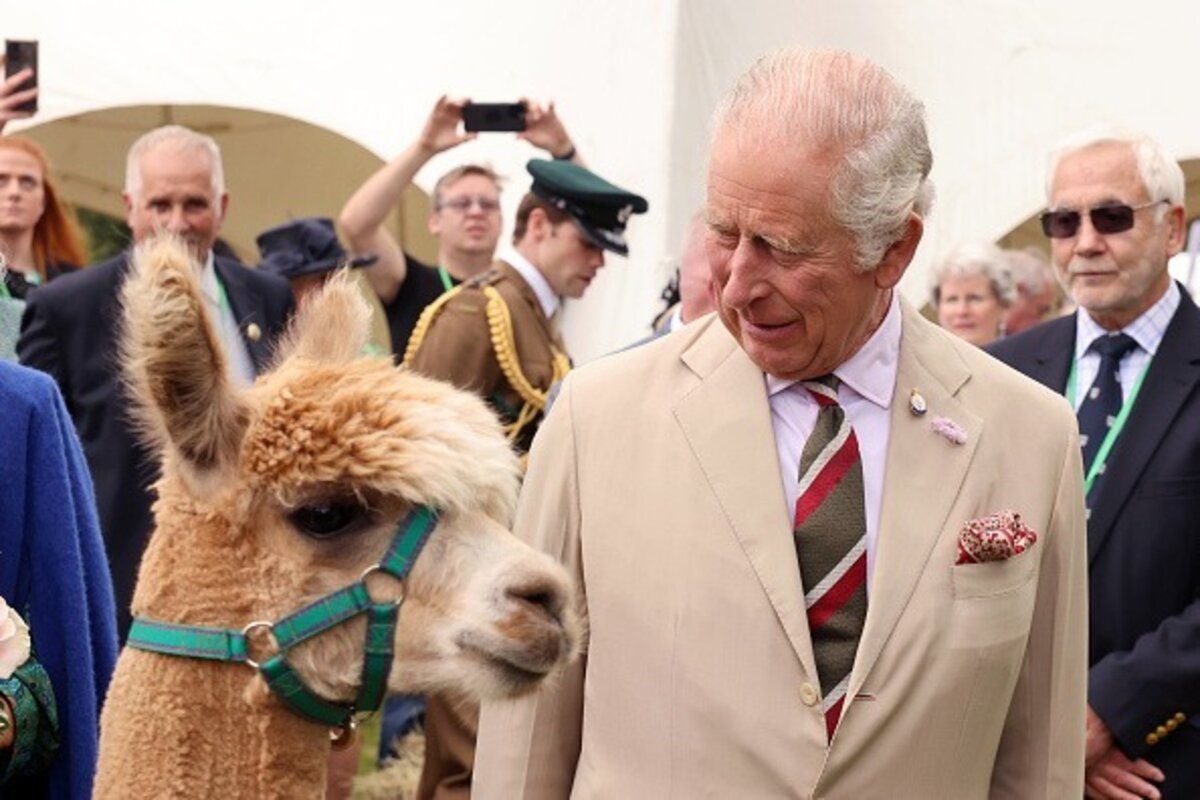 BeforeAfter
Built for iStock
Clears the full-bleed tiled iStock-by-Getty diagonal mark, not just a corner badge.
Rebuilds detail behind dense repeating text instead of smudging it.
Batch a whole moodboard of licensed comps in one pass.
Clean images in three steps
Drag & drop a single image or a whole batch — JPG, PNG or WEBP, up to 50 at once.
Our model reconstructs the covered pixels in seconds — no blur, no smudge.
Grab your clean image in full quality, ready for your layout or edit.
iStock watermark removal — FAQ
Does it handle the tiled diagonal iStock mark across the whole image?
Yes. iStock uses a repeating diagonal logo rather than a single badge, and the AI is built to reconstruct texture under that full-frame pattern.
Can I use this on iStock comp images I haven't paid for?
No. Use removr only on previews you've licensed or otherwise have the right to edit. Comps are for evaluation, and removing the mark on an unlicensed file isn't something we support.
What quality do I get back?
You get a full-resolution JPG, PNG or WEBP with no blur box — the reconstructed area is rebuilt to blend with surrounding detail.
Will it blur or smudge the rest of the image?
No. The AI is trained to reconstruct only the area under the mark and leave the rest of the photo untouched — no global blur.
Do I pay for images that fail?
No. 1 credit equals 1 image, and if a removal doesn't come out clean the credit is automatically refunded.
Is there a free option?
Yes — every new account gets 5 free credits on signup, no card required, so you can try it on your own images first.