Remove the Shutterstock Watermark from Licensed Preview Images
Shutterstock layers its signature mosaic-style logo and repeating "shutterstock" wordmark across every preview, deliberately muddying the center of the image. For previews you've already licensed, removr lifts that overlay and reconstructs the busy mid-frame area so the shot is usable. Keep it to images you own the rights to — that's the whole point of the tool.
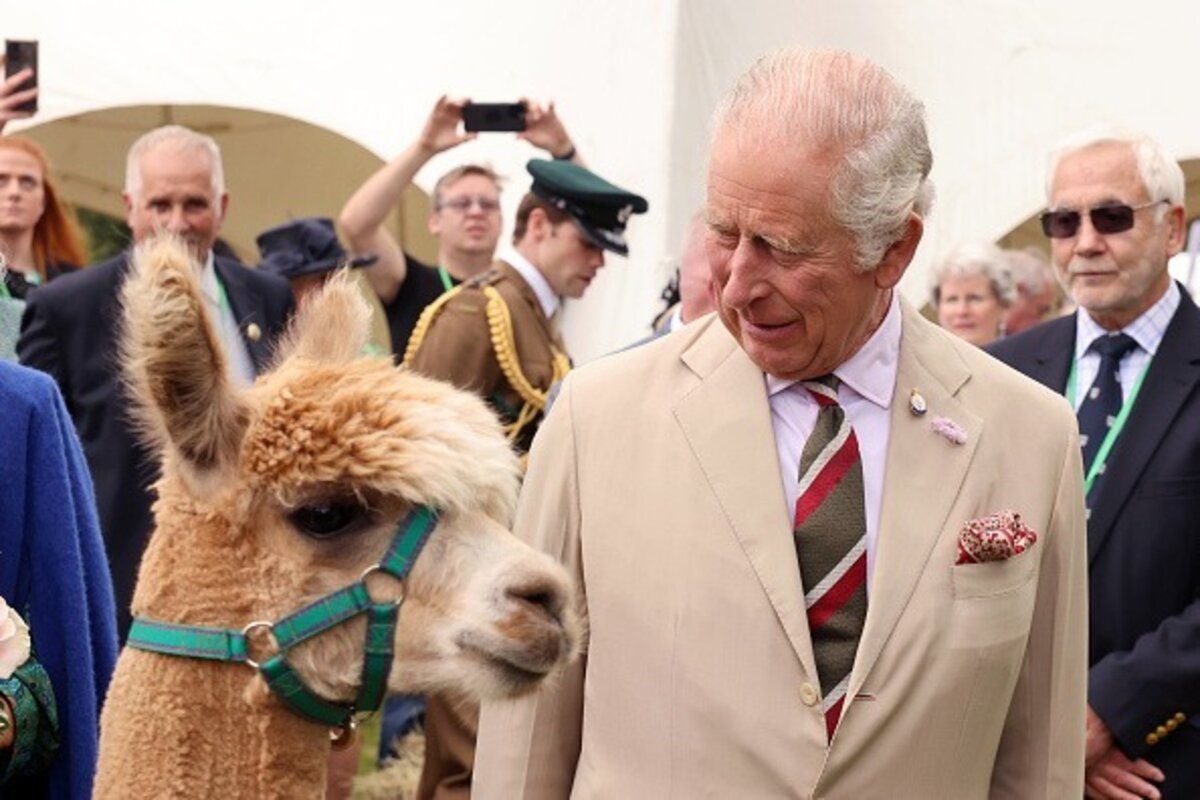 BeforeAfter
Built for Shutterstock
Targets Shutterstock's center mosaic block, not only the bottom wordmark.
Recovers faces and product detail hidden under the densest part of the overlay.
Single image or a folder of comps — same clean result.
Clean images in three steps
Drag & drop a single image or a whole batch — JPG, PNG or WEBP, up to 50 at once.
Our model reconstructs the covered pixels in seconds — no blur, no smudge.
Grab your clean image in full quality, ready for your layout or edit.
Shutterstock watermark removal — FAQ
Will it remove the mosaic block in the middle of a Shutterstock preview?
Yes. That central mosaic is the hardest part, and the AI reconstructs the area underneath rather than leaving a foggy patch.
Is it okay to do this on any Shutterstock preview I find?
No — only on previews you've licensed or have permission to edit. Watermarked comps exist for evaluation, and removr isn't for stripping marks off images you don't own.
Does the wordmark along the edges come off too?
Yes, the repeating edge wordmark and the central mosaic are cleared together in one pass.
Will it blur or smudge the rest of the image?
No. The AI is trained to reconstruct only the area under the mark and leave the rest of the photo untouched — no global blur.
Do I pay for images that fail?
No. 1 credit equals 1 image, and if a removal doesn't come out clean the credit is automatically refunded.
Is there a free option?
Yes — every new account gets 5 free credits on signup, no card required, so you can try it on your own images first.