Remove the Depositphotos Watermark from Licensed Previews
Depositphotos stamps previews with a repeating diagonal "depositphotos" wordmark in a semi-transparent tint. On previews you've licensed, removr lifts that diagonal wordmark and reconstructs the area underneath so the image is usable for layout. Stick to files you own or have the right to edit.
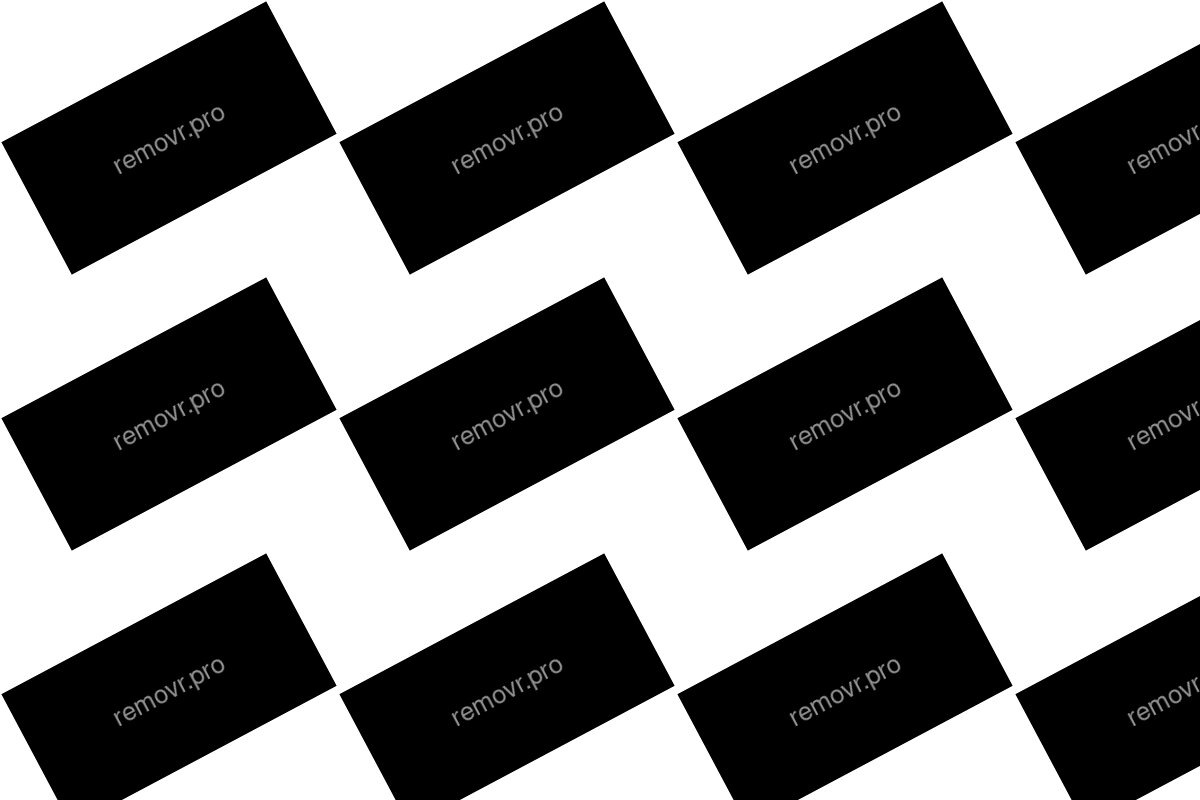
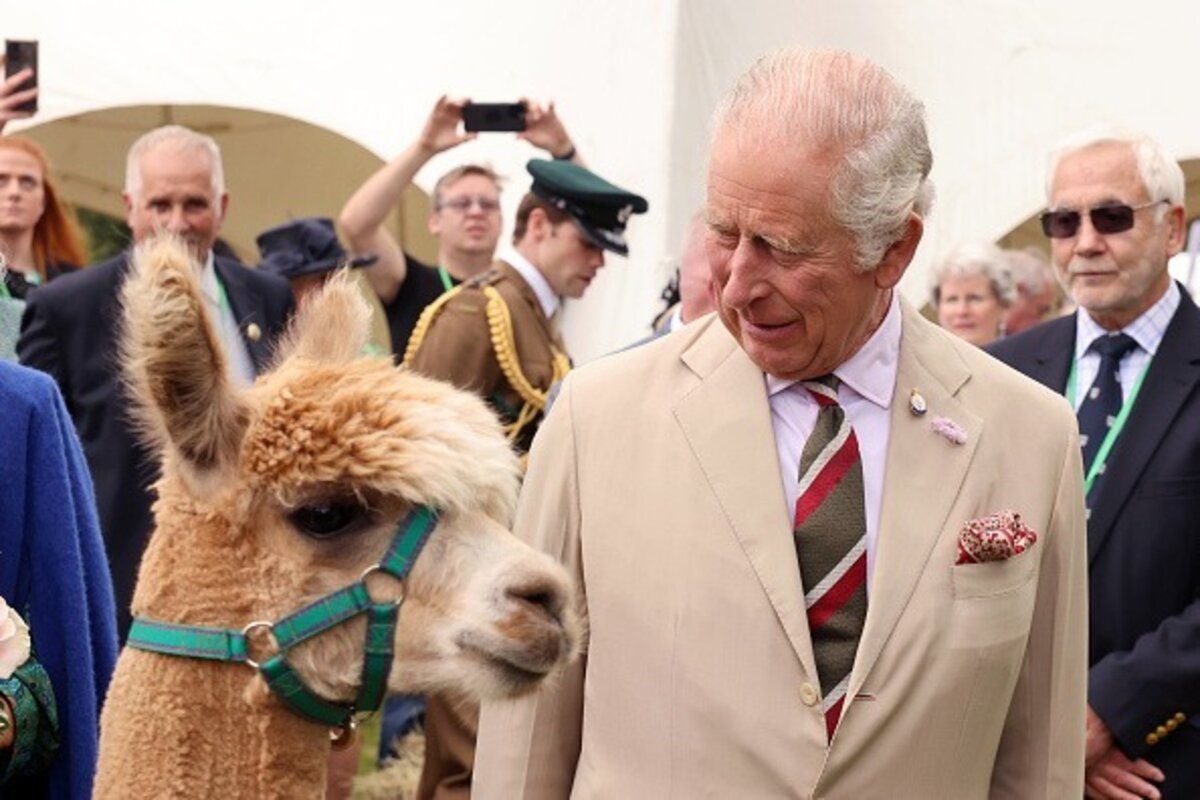 BeforeAfter
Built for Depositphotos
Clears the semi-transparent diagonal depositphotos wordmark.
Reconstructs cleanly even where the mark crosses high-detail areas.
Process one preview or a whole licensed batch.
Clean images in three steps
Drag & drop a single image or a whole batch — JPG, PNG or WEBP, up to 50 at once.
Our model reconstructs the covered pixels in seconds — no blur, no smudge.
Grab your clean image in full quality, ready for your layout or edit.
Depositphotos watermark removal — FAQ
The Depositphotos mark is semi-transparent — does it still come off fully?
Yes. Even a low-opacity overlay alters the pixels underneath, and removr reconstructs that region rather than just lightening the mark.
Will the result blend where the diagonal crossed the subject?
Yes, the reconstructed strip is blended with surrounding detail so there's no visible line.
Is removing it before licensing allowed?
No. Clear the mark only after you've licensed the image or otherwise have the right to edit it.
Will it blur or smudge the rest of the image?
No. The AI is trained to reconstruct only the area under the mark and leave the rest of the photo untouched — no global blur.
Do I pay for images that fail?
No. 1 credit equals 1 image, and if a removal doesn't come out clean the credit is automatically refunded.
Is there a free option?
Yes — every new account gets 5 free credits on signup, no card required, so you can try it on your own images first.