Remove the Getty Images Watermark from Your Licensed Comps
Getty layouts a slim diagonal line and a "gettyimages" bug across comp downloads, often over editorial and high-value shots. When you've licensed the image, removr clears both the line and the corner bug and reconstructs what sits beneath them. It's strictly for files you have the rights to — your purchased comps, never scraped editorial.
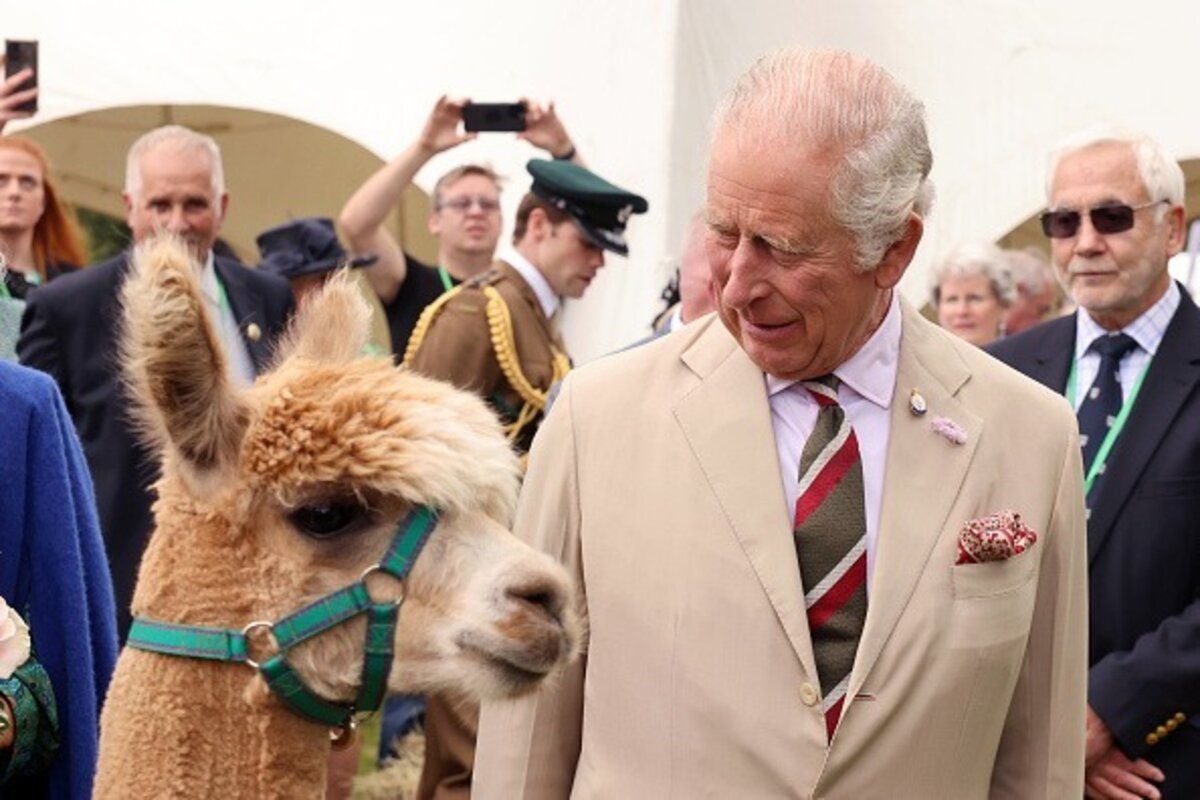 BeforeAfter
Built for Getty Images
Removes both the thin diagonal line and the gettyimages corner bug.
Tuned for editorial-style photos where detail under the mark matters.
Outputs full-res with no visible patch where the bug used to sit.
Clean images in three steps
Drag & drop a single image or a whole batch — JPG, PNG or WEBP, up to 50 at once.
Our model reconstructs the covered pixels in seconds — no blur, no smudge.
Grab your clean image in full quality, ready for your layout or edit.
Getty Images watermark removal — FAQ
Does it clear the gettyimages bug as well as the diagonal line?
Yes. Getty's comp mark has two parts — a faint diagonal and a corner bug — and removr handles both in a single pass.
Can I run this on Getty editorial images?
Only if you've licensed them for editing. Editorial licensing is restrictive, so use removr on comps you legitimately hold the rights to.
Is there any loss in resolution?
No. The image comes back at its original size; only the watermarked region is reconstructed.
Will it blur or smudge the rest of the image?
No. The AI is trained to reconstruct only the area under the mark and leave the rest of the photo untouched — no global blur.
Do I pay for images that fail?
No. 1 credit equals 1 image, and if a removal doesn't come out clean the credit is automatically refunded.
Is there a free option?
Yes — every new account gets 5 free credits on signup, no card required, so you can try it on your own images first.