Remove the Alamy Watermark from Your Licensed Comp Images
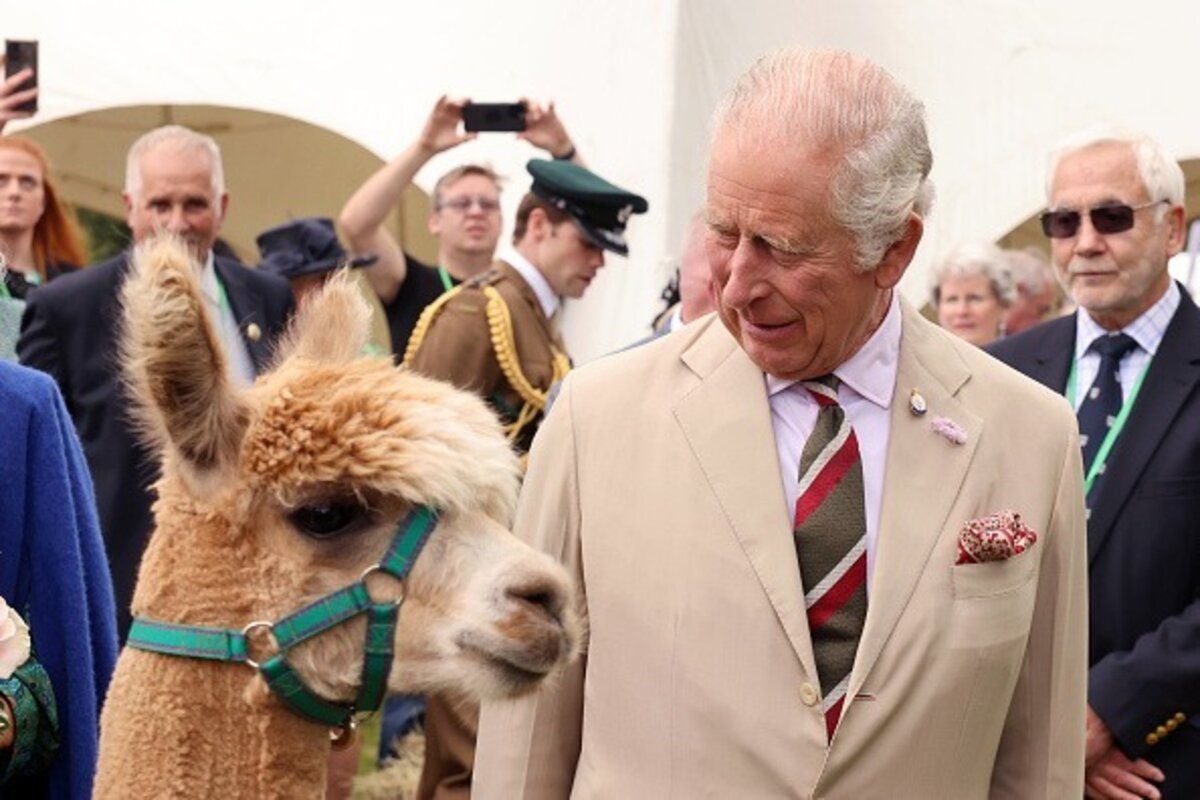
Alamy comps come stamped with a repeating "Alamy" wordmark and reference code laid across the frame, common on its deep editorial and archive catalog. Once licensed, removr lifts that wordmark grid and rebuilds the detail underneath. It's meant for the comps you've legitimately licensed from Alamy, nothing else.
 BeforeAfter
Built for Alamy
Clears the repeating Alamy wordmark grid and the reference code.
Designed for grainy archive and editorial scans, not just clean studio shots.
Keeps the full frame — no cropping to dodge the mark.
Clean images in three steps
Drag & drop a single image or a whole batch — JPG, PNG or WEBP, up to 50 at once.
Our model reconstructs the covered pixels in seconds — no blur, no smudge.
Grab your clean image in full quality, ready for your layout or edit.
Alamy watermark removal — FAQ
Does it cope with Alamy's older archive scans?
Yes. Many Alamy files are scanned archive images, and the AI reconstructs the watermarked region while respecting the surrounding grain.
Will the Alamy reference code be removed too?
Yes, the reference code and the repeating wordmark are treated as one overlay and cleared together.
Can I use this on Alamy images I'm still evaluating?
No. Use it only after you've licensed the image — comps are for evaluation, and removr isn't for unlicensed files.
Will it blur or smudge the rest of the image?
No. The AI is trained to reconstruct only the area under the mark and leave the rest of the photo untouched — no global blur.
Do I pay for images that fail?
No. 1 credit equals 1 image, and if a removal doesn't come out clean the credit is automatically refunded.
Is there a free option?
Yes — every new account gets 5 free credits on signup, no card required, so you can try it on your own images first.