Remove the Freepik Watermark from Images You've Licensed
Freepik free-tier downloads arrive with a diagonal "Freepik" mark and often an attribution badge baked into the corner. If you hold a license or the right to edit, removr clears the diagonal mark and reconstructs whatever it covered. Premium users who can already download clean files won't need it — this is for legitimately licensed assets that still carry a preview mark.
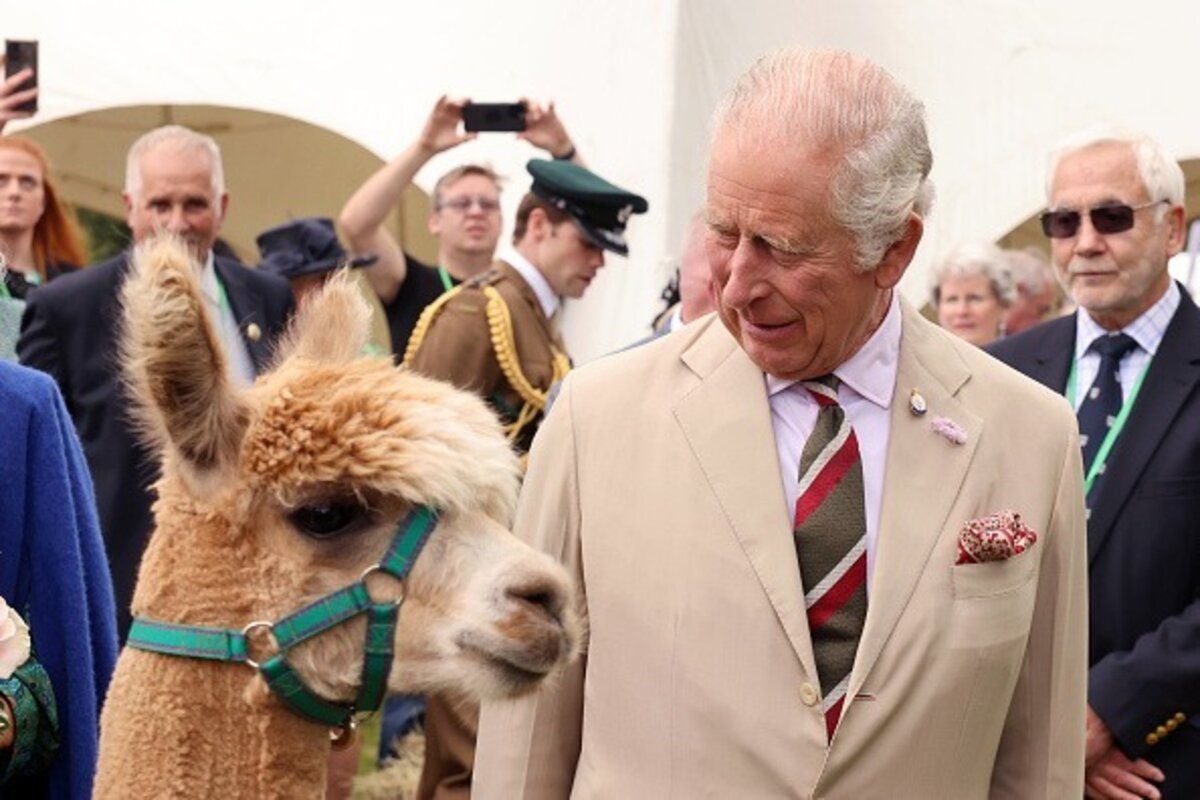 BeforeAfter
Built for Freepik
Clears the diagonal Freepik mark from JPG and PNG downloads.
Works on the flat-illustration and vector-raster style Freepik is full of.
Handles the corner attribution badge as part of the same pass.
Clean images in three steps
Drag & drop a single image or a whole batch — JPG, PNG or WEBP, up to 50 at once.
Our model reconstructs the covered pixels in seconds — no blur, no smudge.
Grab your clean image in full quality, ready for your layout or edit.
Freepik watermark removal — FAQ
Does it work on Freepik's flat illustration style?
Yes. Flat color and simple gradients are easy for the AI to reconstruct, so Freepik illustrations clean up especially well.
What about the attribution badge in the corner?
If the badge is burned into the image, removr clears it together with the diagonal mark.
Should I use this instead of crediting Freepik?
No. Respect the license terms you agreed to. removr only removes a visual mark on images you have the right to edit — it doesn't change your licensing obligations.
Will it blur or smudge the rest of the image?
No. The AI is trained to reconstruct only the area under the mark and leave the rest of the photo untouched — no global blur.
Do I pay for images that fail?
No. 1 credit equals 1 image, and if a removal doesn't come out clean the credit is automatically refunded.
Is there a free option?
Yes — every new account gets 5 free credits on signup, no card required, so you can try it on your own images first.